


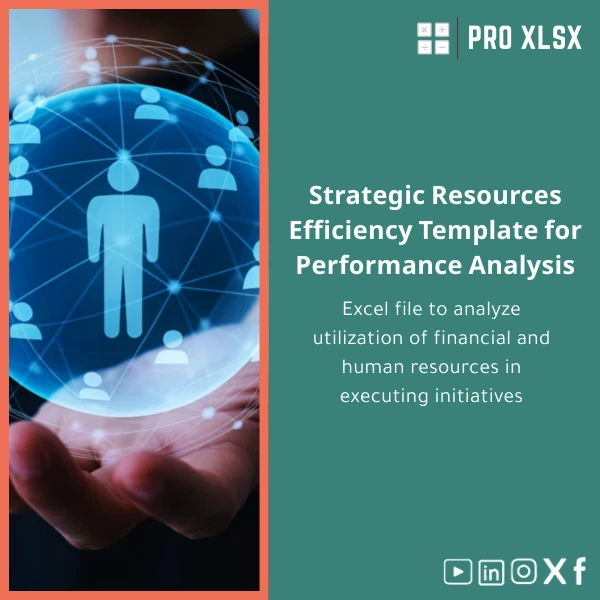
Strategic Resources Efficiency Template for Performance Analysis
Original price was: $80.73.$67.23Current price is: $67.23.
Excel file to analyze utilization of financial and human resources across initiatives — convert raw budgets, timesheets and cost records into a single, actionable dashboard so PMOs, accountants and analysts can improve initiative ROI and cut wasted capacity.
Key benefits & value for the buyer
The Strategic resources efficiency template translates disparate financial and human resources records into decision-ready insights. Instead of ad-hoc spreadsheets and manual consolidation, you get:
- Faster monthly reviews: reduce consolidation time from days to hours with prepared import sheets and pivot-ready data.
- Clear accountability: assign costs and hours to initiatives and owners so deviations are visible immediately.
- Better forecasting: use built-in scenario tools to compare hiring vs outsourcing and forecast budget impact.
- Actionable KPIs: utilization rate, cost per deliverable, budget burn-rate and capacity slack are computed automatically.
Benefits translated to outcomes
For the CFO or Head of PMO, that means fewer surprises in quarterly reviews. For accountants and data analysts, it creates a reproducible workbook that supports audit trails and quick reconciliations.
Use cases & real-life scenarios
1. Initiative portfolio review
Combine budget approvals, committed spend and actual hours per initiative to rank projects by cost-efficiency. Use the template to identify low-value initiatives or projects with hidden overruns.
2. Capacity planning for delivery teams
Map employee availability and planned hours to deliverables. The resource efficiency Excel template highlights overbooked resources and suggests reallocation before timelines slip.
3. Financial & operational reconciliations
Accountants can import payroll, contractor invoices, and purchase orders into the provided mappings to reconcile initiative costs with general ledger entries — ready for audit documentation.
Who is this product for?
The template was designed for:
- Accountants and financial controllers performing initiative-level cost follow-up.
- Data analysts responsible for performance dashboards and resource modelling.
- Companies and PMOs seeking a low-cost, fast deployment alternative to complex ERP reporting.
- Consultants and advisors who need a repeatable deliverable when assessing client resource efficiency.
How to choose the right license & variant
Choose based on team size and intended use:
- Single-user license — best if one analyst or accountant will own the workbook.
- Team license — recommended for departments sharing a central file (includes guidance for shared workflows).
- Enterprise / Custom — select if you require integration with existing ERP outputs or additional VBA automation. ProXlsx offers hourly customization services to extend the template.
Not sure which fits? Purchase the Single-user license and request an upgrade or customization through our services if your needs expand.
Quick comparison with typical alternatives
Consider three options: build internally, buy a general template for free, or purchase this specialized template.
- Build internally: high development time and maintenance cost; risk of inconsistent logic across teams.
- Free generic templates: may lack initiative-level mappings, scenario modelling and audit-ready features.
- Strategic resources efficiency template: fast deployment, tailored formulas and dashboards, plus optional custom work — best for teams that need reliable output without heavy IT involvement.
Best practices & tips to get maximum value
- Standardize input sheets: map GL accounts and timesheet codes before importing — this reduces manual correction.
- Document assumptions: use the built-in notes sheet to record allocation rules (e.g., overhead apportionment).
- Schedule monthly refreshes: set a recurring process owner to update and validate data to keep KPIs accurate.
- Use scenarios conservatively: treat scenario outputs as directional inputs for planning, not absolute predictions.
Common mistakes when buying/using resource templates — and how to avoid them
- Assuming one-size-fits-all: every organisation allocates overhead differently — plan a short customization session if needed.
- Skipping data mapping: failure to map codes leads to misallocated costs; use the provided mapping guide.
- Over-automating: heavy macros without documentation creates dependence; we recommend documented VBA and a backup copy before major changes.
Product specifications
- Format: .xlsx (Excel workbook, no subscription required)
- Compatibility: Excel 2016, 2019, 2021, Microsoft 365 (Windows & Mac; some advanced macros may behave differently on Mac)
- Sheets included: Dashboard, Raw Data Import, Mappings, Allocation Rules, Scenario Analysis, Notes
- Features: pivot-ready data model, preconfigured KPIs, scenario toggles, charts and printable summary
- Security: local file — keep inside corporate network for data control
- Optional: hourly customization & implementation support from ProXlsx (data import, VBA automation, Arabic interface)
Frequently asked questions
Can I get an Arabic interface or localized version?
Yes. ProXlsx provides localization and language adjustments as a paid customization. The workbook uses plain text labels so translation is straightforward; contact our team for an hourly estimate.
Does the template include macros and are they safe?
The core workbook is formula-driven. Some variants include optional VBA macros for bulk imports and automation. Macros are signed and documented where provided; you can disable macros and still use the main dashboards with manual refreshes.
How is the template delivered and can I request custom work?
Delivery is instant download after purchase. If you need custom mapping, data import or additional automation, book our hourly implementation service — we perform one-off project work or extended engagements.
What if the template doesn’t fit our process — do you offer refunds?
We provide a limited refund policy: if the file is defective or not as described, contact support within 7 days. For fit-related issues, we normally recommend the customization service to adapt the template rather than refunds.
Ready to analyze and optimize your resources?
Purchase the Strategic resources efficiency template and start converting budgets and timesheets into clear decisions today. If you need tailored integration, add ProXlsx hourly support at checkout.
Still unsure? Contact ProXlsx for a short consultation — we’ll recommend the right license and scope for your organization.








Reviews
Clear filtersThere are no reviews yet.