




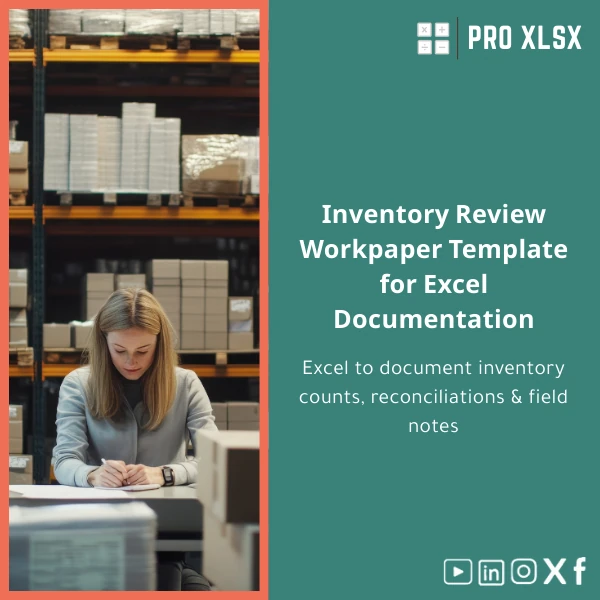
Inventory Review Workpaper Template for Excel Documentation
Original price was: $42.93.$32.13Current price is: $32.13.
A structured, audit-ready Excel template to document inventory counts, reconciliations and field testing — designed for external auditors, accounting teams and operations managers who need fast, consistent evidence for inventory review workpapers.
Key benefits & value for the buyer
The Inventory review workpaper template converts routine inventory tasks into reproducible, verifiable outputs. Beyond a neat worksheet, it delivers:
- Consistency: uniform layout across sites and engagements — reduces reviewer comments and rework.
- Time savings: pre-built formulas and templates cut documentation time by an estimated 40–60% versus building sheets from scratch.
- Clear audit trail: fields for preparer, checker, count team, and timestamps make it easy to show evidence during external audit.
- Scalability: from single-warehouse count to multi-location roll-up summaries and consolidated reconciliations.
- Actionable summaries: variance flags and reconciliation notes help managers focus on exceptions immediately.
Use cases & real-life scenarios
External audit — fieldwork
Use the template during physical stocktakes to record counts by location/bin, attach field notes and link count results to ledger balances. The printable count sheets reduce transcription errors and the summary reconciles counts to financial ledgers.
Monthly internal control & review
Internal teams can run periodic sample counts, document exceptions and produce a reconciliation pack for finance in the exact format external auditors expect — cutting back-and-forth communication.
Inventory remediation projects
For stock reset or valuation adjustments, use the template to track pre- and post-adjustment counts, supported by photographic notes and variance explanations — ideal for management reports and tax documentation.
Who is this product for?
The template was built for professionals who need reliable inventory documentation without custom software:
- External auditors and audit teams performing stocktake testing and evidence collection.
- Accountants preparing reconciliations for year-end or interim reviews.
- Inventory managers and operations analysts conducting periodic counts.
- SMEs and branches that need audit-quality documentation but lack ERP reporting or custom tools.
How to choose the right version
The template is available in standard and enhanced versions. Choose based on complexity and platform:
- Standard (recommended): simple formulas, printable count sheets, sample data — ideal for most auditors and accountants.
- Enhanced (with automation): extra reconciliation tabs and optional VBA macros to import CSVs, auto-rollup and produce exception flags — best for multi-location operations and power users.
- Customization service: if you need company-specific mappings, bespoke reports or integration with your chart of accounts, ProXlsx offers hourly customization services to tailor the workbook to your workflow.
Quick comparison with typical alternatives
Consider these common options and why the Inventory Review Workpaper template is often the most practical:
- Manual Word/PDF forms: cheap but error-prone and time-consuming to consolidate. The template automates roll-ups and reduces manual consolidation.
- ERP stock reports: useful for balances but rarely contain field evidence or count-level notes. The template bridges ledger balances to count evidence.
- Custom software development: powerful but costly and slow. This Excel solution is affordable, instantly deployable and familiar to audit teams.
Best practices & tips to get maximum value
- Use the printable count sheets during physical counts and require preparer/checker signatures on-site.
- Keep a copy of the raw count sheet and the consolidated workbook to preserve evidence and allow reconciliation to untouched source files.
- For multi-location projects, use the enhanced version to import all CSVs into a master roll-up and generate exception reports automatically.
- Leverage the notes column to capture cause of variances — auditors value explanation over unexplained numbers.
Common mistakes when buying/using inventory templates and how to avoid them
- Buying a “one-size-fits-all” form: ensure the template maps to your inventory valuation method (FIFO/LIFO/Weighted) and chart structure; customization is available if needed.
- Ignoring macro compatibility: some VBA features are Windows-only. If your team uses Mac, choose the standard non-VBA version or test macros beforehand.
- Skipping documentation: always retain raw count sheets and photos as attachments; the workbook should reference and store links to supporting evidence.
Product specifications
- Product type: Excel template (XLSX) — optional XLSM for enhanced version with macros
- Compatibility: Excel 2016+, Office 365 (Windows recommended for VBA features); read-only on web/phone apps
- Sheets included: Count sheets, Reconciliation summary, Location roll-up, Exception log, User guide & Sample data
- Automation: Optional macros for CSV import and roll-up (available in enhanced edition)
- Deliverable: Immediate digital download — includes user guide and example dataset
- Support: Documentation included; customization and hourly implementation services available via ProXlsx
Frequently asked questions
Is this template suitable for statutory external audits?
Yes. The template is designed to capture audit evidence: preparer/checker fields, count sheets, reconciliation logic and variance notes. It helps produce documentation that external auditors commonly request. For specific audit firms’ formats, choose customization services.
Do I need to enable macros?
No — the standard template does not require macros. If you purchase the enhanced version, macros provide automated imports and roll-ups; these require enabling VBA and work best on Excel for Windows. Mac users should use the non-VBA edition or request Mac-compatible adjustments.
Can you customize the template to our chart of accounts or inventory categories?
Yes. ProXlsx offers hourly customization services to map the workbook to your chart of accounts, add company-specific fields, or produce branded reports. Contact us to discuss scope and pricing.
What support comes with the download?
Every purchase includes a user guide and an example dataset. For implementation help, data-mapping or ad-hoc modifications, our hourly services are available to get you audit-ready quickly.
Ready to document inventory counts consistently?
Download a professional, audit-focused Inventory review workpaper and reduce documentation time while improving evidence quality. Immediate digital delivery — start using it in today’s stocktake.
Need help choosing between Standard and Enhanced or want a custom version for your company? Contact ProXlsx for hourly implementation and customization services.








Reviews
Clear filtersThere are no reviews yet.