



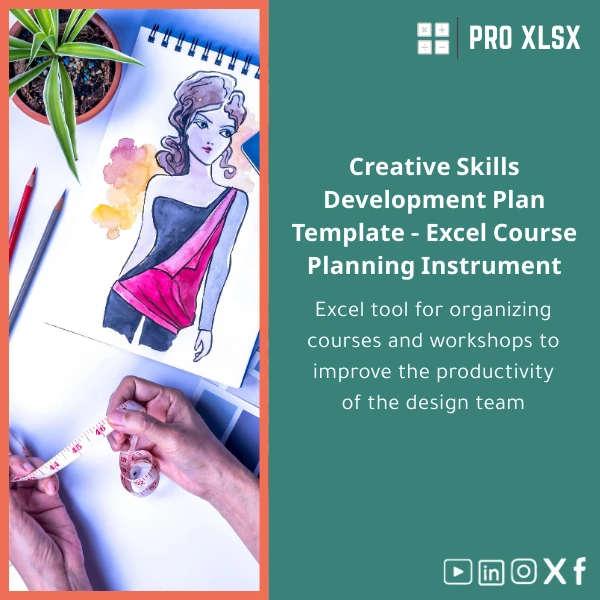
Creative Skills Development Plan Guide for Designers
Original price was: $37.53.$26.73Current price is: $26.73.
A practical, Excel-first Creative Skills Development Plan that helps design managers, HR teams,
and analysts map training workshops, budget upskilling, and track competence growth across your design team — delivered as a ready-to-use, customizable Excel template.
Key benefits & value for buyers
The Creative Skills Development Plan is designed to convert training intentions into measurable outcomes.
It translates qualitative development goals into numeric indicators, cost lines, and timeline milestones so accountants and data teams can report on ROI.
Benefits translated into business outcomes
- Faster planning: Pre-built workshop templates and timelines reduce planning time from days to hours.
- Linked costs: Connect training hours and fees to GL codes — simplifies financial reporting and cost allocation.
- Standardized assessment: Uniform skill scoring lets you compare designers, projects, and offices objectively.
- Management-ready reports: Export dashboards and progress summaries that speak to finance and leadership.
- Scalable: From 3-person studios to 200+ designers — fields and filters adapt without rework.
Use cases & real-life scenarios
Scenario: Monthly skills review for a regional design team
A design leader runs monthly reviews using the template’s assessment sheet. Scores feed into a dashboard that highlights top skill gaps. Accountants review the linked training costs to forecast the next quarter’s budget and approve workshops accordingly.
Scenario: Audit-ready training spend for CFO
When auditors ask for training spend broken down by department and project, the template’s cost mapping and timestamps provide a clear, auditable trail — no manual reconciliation required.
Scenario: Outsourced implementation
Prefer to delegate? ProXlsx offers hourly services to import historic training data, create VBA automations, and connect the template to your existing timesheet exports.
Who is this product for?
Though labelled for designers, this Creative Skills Development Plan is built for cross-functional use by:
- Accountants and financial controllers who need consistent training cost reporting.
- Data analysts tasked with measuring skill development and producing dashboards.
- HR and L&D teams managing workshops, certification paths, and headcount upskilling.
- Design managers and studio leads who want an Excel-based design team development template that is fast to adopt.
How to choose the right template version
Choose the version based on team size and automation needs:
- Starter (small teams): Light dataset, manual inputs, basic dashboards — ideal for teams up to 10.
- Standard (growing teams): Pre-built assessment scales, cost mapping, pivot-ready tables — ideal for 10–50 users.
- Pro (enterprise): Advanced dashboards, VBA automations, multi-office filters and integration-ready sheets — best for 50+ or those who want automation.
If you’re unsure, download the Standard and request an hourly customization from ProXlsx to scale features to your needs.
Quick comparison with typical alternatives
Compared with manual spreadsheets and standalone LMS tools:
- Manual spreadsheets: Faster adoption and fewer formula errors — template has validation and clear sheet structure.
- LMS platforms: LMSs manage online courses well but are costly and often lack the finance links; this Excel solution gives control to finance and analysts without new software licenses.
- Custom development: Bespoke systems take months and large budgets; this template provides immediate ROI and is fully editable in Excel.
Best practices & tips to get maximum value
- Keep a single source of truth: store HR identifiers in one sheet and use lookups (VLOOKUP/XLOOKUP) to avoid duplicates.
- Define scoring rubrics before populating assessments to ensure consistent ratings across managers.
- Use the built-in dashboard filters to create monthly snapshots for finance reviews.
- Schedule a quarterly refresh: archive closed programmes and keep active lists short for performance.
- If you need automation, request a short hourly package from ProXlsx to wire up imports or add VBA buttons.
Common mistakes when buying/using templates and how to avoid them
- Buying the wrong complexity: Choose Starter if you don’t need integrations. Overcomplicated templates delay adoption.
- Skipping documentation: Always read the included guide sheet — it explains required fields and changeable lists.
- No backup plan: Keep a backup before large edits; use versioned copies to track changes.
- Ignoring finance mapping: Link training costs to cost centers early to avoid rework during budgeting cycles.
Product specifications
- Format: .xlsx (Excel workbook)
- Compatible with: Excel 2016+, Excel for Microsoft 365 (Windows & Mac). Some features (VBA) Windows-only.
- Sheets included: Dashboard, Training Matrix, Assessment Log, Cost Mapping, Resources, Instructions.
- Languages: English (template text editable).
- Delivery: Instant download after purchase + optional hourly implementation services.
- Support: Email support and optional paid setup by the hour from ProXlsx team.
- Usage notes: Editable fields, protected formula cells, and clear documentation sheet included.
FAQ
Can I connect the template to our payroll or timesheet export?
ProXlsx also offers hourly services to create import macros or small VBA routines that merge your exports into the training log.
Is VBA required to use the dashboard?
VBA is optional and used only in Pro versions for convenience automations (bulk imports, one-click reports).
How does the template support ROI measurement for training spend?
By comparing score deltas and mapping costs, you get a simple cost-per-point metric to present to finance or leadership.
What if our team needs customization?
Ready to plan and measure your team’s creative growth?
Purchase a practical, finance-friendly Creative Skills Development Plan that your accountants, data analysts, and HR team can use today.
Instant download and optional hourly support let you go from purchase to first report in a single day.
Need help choosing a version or want a short implementation? Contact ProXlsx for hourly assistance — we specialize in fast, audit-ready Excel solutions for Egyptian companies and regional teams.
Related products

Break-Even Analysis Template for Cost and Profit Estimation
A ready-to-use Break-Even Analysis template in Excel to calculate the sales volume needed to cover costs, model profit scenarios, and produce clear management-ready charts and a margin of safety calculator. Designed for accountants, analysts, and companies who need fast, reliable decision support without complex systems.







Reviews
Clear filtersThere are no reviews yet.