




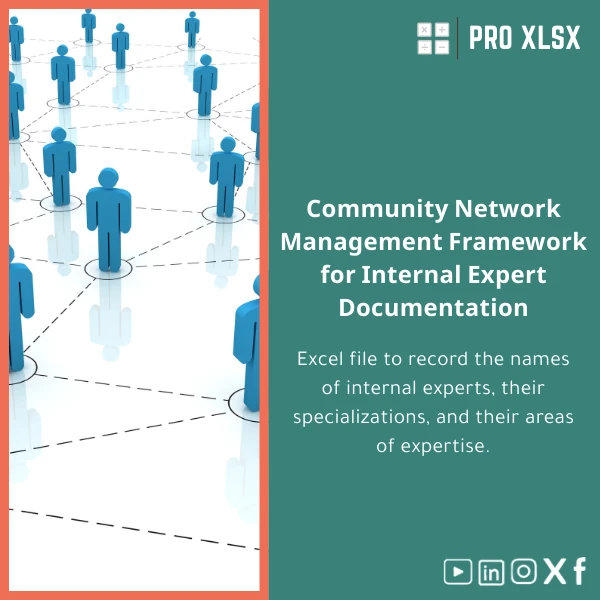
Experts Community Management Template for Internal Directory
Original price was: $37.53.$26.73Current price is: $26.73.
A practical, ready-to-use Excel solution to build and maintain an internal experts directory — names, domains, specialties and advisory availability — designed for accountants, data analysts, and businesses that need reliable knowledge management without heavy systems.
Key benefits & value for your team
The Experts community management template converts scattered contact lists and unstructured skill notes into a searchable, auditable experts directory template that saves time and reduces risk. Instead of hunting through emails or multiple spreadsheets you get:
- Faster decision-making: find subject-matter experts by domain, location, or certification in one search.
- Consistent records: standardized fields reduce onboarding friction when adding new experts to the directory.
- Audit-friendly logs: built-in change tracking fields and export-ready reports for internal audit and compliance checks.
- Low cost, high ROI: no need for expensive knowledge-management platforms; Excel-based solution integrates with existing workflows.
Use cases & real-life scenarios
Accounting firm — internal advisory assignments
Assign the right tax or IFRS specialist quickly. Use the template to match client needs with available experts, view booking calendars, and export the candidate list for proposal attachments.
Corporate data & operations team
Map analytics expertise across departments. The template helps managers identify in-house skills, plan cross-training, and compile a short list of analysts for urgent projects.
Audit & compliance
Maintain a record of internal reviewers, their accreditation, and advisory domains to streamline audit assignments and evidence requests.
Who is this product for?
This experts directory template is designed for:
- Accountants and accounting teams who need a reliable internal consult roster.
- Data analysts and BI teams consolidating skill inventories and availability.
- Managers and HR professionals organizing internal communities of practice.
- Small to mid-size companies that want knowledge management without large IT projects.
How to choose the right version
The template is available in three practical variants so you can pick the level that fits your workflow and budget:
- Basic (XLSX): clean directory structure, filters, and printable lists. No macros — ideal for strict security environments.
- Advanced (XLSM): includes dashboards, pivot-ready sheets, and safe VBA utilities for import/export and email validation.
- Enterprise (customizable): tailored fields, integration-ready CSV templates, and an optional hourly implementation service from ProXlsx experts.
If you are unsure which version fits, choose Advanced for most accounting and analysis workflows; opt for Enterprise if you need custom fields or automated integration with your HR system.
Quick comparison with typical alternatives
Before buying, consider these common alternatives and why the Experts community management template may be a better match:
- Manual spreadsheets: often inconsistent and slow to query. Our template enforces structure and saves time.
- Complex KM platforms: powerful but expensive and slow to deploy. The template delivers core KM capabilities immediately and at a fraction of the cost.
- Shared contacts in email systems: limited metadata and reporting. The template supports skills, domains, certifications, and availability—fields email contacts lack.
Best practices & tips to get maximum value
- Define core fields first (domain, certification, languages, preferred advisory mode) and enforce them for every new entry.
- Use the Advanced file with macros on a secure, internal machine; use the Basic XLSX for distribution to external reviewers.
- Run a quarterly audit of the directory — set a column for last verification date and assign an owner.
- Export snapshots before major updates to keep an audit trail for compliance.
Common mistakes when buying or using similar templates — and how to avoid them
- No owner assigned: directories rot without an assigned owner. Assign a single person to update and validate entries.
- Too many custom fields upfront: slows adoption. Start with essentials, then extend the template as needs mature.
- Ignoring security policies: use the Basic XLSX for distribution if macros are not allowed by IT.
Product specifications
- Product name: Experts Community Management Template for Internal Directory
- Formats: XLSX (Basic), XLSM (Advanced with optional VBA)
- Excel compatibility: Microsoft Excel 2016 and later (desktop), Excel for Microsoft 365 recommended for full dashboard interactivity
- Sheets included: Directory, Profiles, Tags & Domains, Availability Calendar, Dashboard, Export
- Automation: Optional VBA tools for import/export, report generation, and email validation (Advanced only)
- Language: English (setup notes included); customization services available in Arabic/English
- Delivery: Instant digital download after purchase with user guide and quick-start checklist
- Support: 14-day email support for setup questions; hourly customization services available from ProXlsx
Frequently asked questions
Is this template secure for sensitive contact lists?
Yes. The Basic XLSX contains no macros and is safe to share. The Advanced XLSM uses optional VBA that runs locally — if your IT policy blocks macros, use the Basic file or request a macro-free export. We also provide guidance on anonymizing sensitive fields for wider distribution.
Can I integrate the directory with our HR system or CRM?
Yes. The template supports CSV import/export and provides a consistent field layout to map against most HR/CRM systems. For automated integration we offer hourly implementation services to create secure connectors or scheduled exports.
Do I need advanced Excel skills to use it?
No. Basic functionality (search, filters, export) works with standard Excel skills. The Advanced features add dashboards and small automations; those are optional and come with step-by-step instructions. ProXlsx can also perform custom setup for you.
What support is included after purchase?
Every purchase includes a quick-start guide and 14 days of email support for setup questions. For custom fields, integrations, or bulk data cleaning we provide hourly services at transparent rates.
Ready to organize your internal experts network?
Download a professional experts directory built for working teams — fast to deploy, easy to maintain, and focused on real-world accounting and data workflows.
Need a custom version or implementation help? After purchase you can request hourly customization from ProXlsx to fit your exact fields and integrations.








Reviews
Clear filtersThere are no reviews yet.